


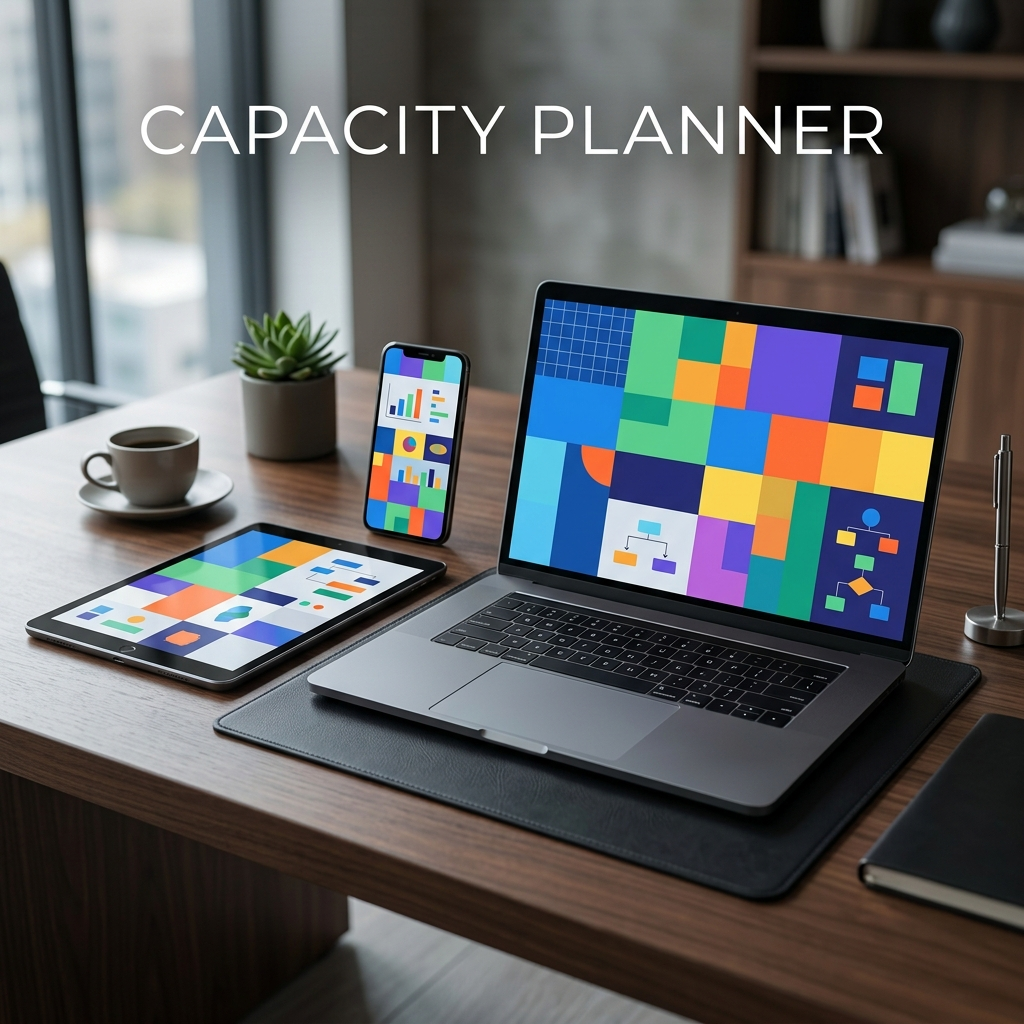
4-Day Work Week Shift & Team Capacity Planner | Interactive 32h Operating System
Model team shifts, cut meeting overload, and protect deep work with a 32-hour work week capacity system.
$22.99₫499,000
- Instant download after payment
- Secure checkout by Stripe
- 14-day refund guarantee
An interactive workspace for moving a knowledge team to 32 hours without losing client coverage: pick a shift model, balance each person's load, cut meeting overhead, and follow a 30-day rollout plan.
Why 4-Day Transitions Usually Fail
Most teams that try a 4-day week hit the same walls. Some treat 32 hours as "40 hours squeezed into four 10-hour days", which speeds up burnout instead of preventing it. Others worry that customers will reach nobody on the fifth day, or that meetings will eat the time the shorter week was meant to free.
Without numbers in front of them, leaders drift back to the five-day routine. This planner puts the numbers on one screen: who is working which day, how loaded each person is, and how many hours recurring meetings really cost, so the decision rests on your own team's data rather than guesswork.
What Is Inside
Seven tabs, all in one offline file:
- Shifts — 4-Day Shift Architecture & Coverage Simulator: compare 32h pure, 40h compressed, and staggered rotations, with a live indicator of customer coverage across the week.
- Capacity — Team Capacity & Workload Allocation Matrix: add team members and roles, set deep-work targets and meeting allowances, and keep each person below the 85% overload threshold the tool warns about.
- Meetings — Meeting Detox & Overhead Payroll Auditor: list recurring meetings to see total hours and payroll cost, and how much time you reclaim by removing or shortening them.
- Schedule — Weekly Deep Work Time-Blocking Schedule: lay out focus mornings, shared meeting slots, and meeting-free blocks for the week.
- Playbook — Executive Playbook: 30-Day Transition Roadmap: a step-by-step rollout with the pros and trade-offs of each model, to use when you present the plan to leadership.
- Guide — User Guide & Operational Onboarding: how to set the tool up for your team.
- Vault — Preferences & Data Vault Backup: theme and currency settings plus local JSON backup and restore.
How to Use It
- Pick a shift model in the Shifts tab and check that coverage holds on every business day.
- Add your team in the Capacity tab and adjust hours until nobody sits above the 85% load warning.
- Audit meetings in the Meeting Detox tab and decide which ones become async updates.
- Block the week in the Schedule tab, then follow the 30-day Playbook.
- Share the result as CSV, PNG, or a printed PDF page, and keep a JSON backup in the Vault.
Who It Is For
- Engineering managers and tech leads protecting focused coding time.
- Remote founders and agency owners moving to async work while keeping client turnaround.
- People Ops and HR leads preparing a 4-day policy proposal backed by their own team data.
- Small self-managed teams looking for a sustainable weekly rhythm.
Questions
It lets you compare three shift models — 32h pure (4×8h), 40h compressed (4×10h), and staggered team rotations (Team A Mon–Thu, Team B Tue–Fri) — while showing customer coverage, each person's workload, and meeting overhead in one place.