



Elon Musk's 5-Minute Timeboxing and 5-Step Algorithm: How the Method Works and How to Use It Without Burning Out


Elon Musk has been widely reported to plan his days in blocks as short as five minutes, giving every meeting, email and task a fixed slot. This is timeboxing: instead of a to-do list, the calendar decides what you work on and when you stop. Most people get better results starting with 15-minute blocks.
This guide explains what has actually been reported about the method, how the five-step "algorithm" from Walter Isaacson's biography fits with it, and a practical way to try both without turning your week into a stopwatch.
What 5-minute timeboxing is
Timeboxing means assigning each task a fixed window on the calendar before the day starts. When the window ends, the task ends too — you either finish, stop, or deliberately give it a new block. The idea is old; what made it famous is the reported granularity. CNBC and others have described Musk's schedule as split into five-minute slots, often with back-to-back meetings across his companies.
Two things matter more than the block length:
- The plan exists before the day starts. Decisions about priorities are made once, calmly, instead of fifty times under pressure.
- Every block ends. Work expands to fill the time available; a hard edge stops a 20-minute task from quietly eating the afternoon.
Why five minutes is usually too short to start with
Five-minute blocks work for a schedule made mostly of short meetings and decisions, with staff who absorb everything else. For most people, a grid that fine creates more planning than doing. Start with 15- or 30-minute blocks, use 5-minute slots only for calls, quick admin and transitions, and keep deep work in 60–90-minute blocks.
The five-step algorithm
Isaacson's 2023 biography describes a five-step "algorithm" Musk repeats to engineering teams. The order is the point:
- Question every requirement. Each requirement should have a named person behind it, not a department. Requirements from smart people are still often wrong.
- Delete any part or process you can. If you never have to add something back later, you did not delete enough.
- Simplify and optimise what is left — only after deleting. The common mistake is optimising a step that should not exist.
- Accelerate cycle time. Fewer handovers, faster feedback, shorter waits.
- Automate last, once the process is lean. Automating first locks waste in place.
Applied to a normal job, the algorithm is a way to shrink the list you are timeboxing. A weekly report you rebuild by hand, a 12-page onboarding questionnaire nobody reads, a status meeting that could be a message — these are the blocks worth deleting before you try to schedule them more efficiently.
A realistic week using both methods
| Step | What to do | Time it takes |
|---|---|---|
| Sunday or Friday | Pick one weekly process and run it through the five steps | 30 minutes |
| Each evening | Plan tomorrow in 15-minute blocks; protect one deep-work block | 10 minutes |
| During the day | Mark each block done or moved; batch email into 2–3 blocks | seconds per block |
| Friday | Compare planned vs done, note interruptions, choose one change | 15 minutes |
After two or three weeks, shorten blocks where you consistently finish early and delete the recurring interruptions your review keeps showing.
If you want this in one place, the 5-Minute Timeboxing & 5-Step Algorithm Productivity Kit has a visual 5-minute day grid, a planned-vs-done chart for the week, meeting cost at your own hourly value, a workshop that adds up minutes saved by each delete or automate decision, and a weekly review. It runs offline in any browser, in English, Vietnamese and Chinese.

Common mistakes
- Scheduling every minute. Leave buffer blocks — at least one in the morning and one in the afternoon — for the unexpected.
- No breaks in the plan. Meals, movement and a finish time are blocks too. A plan you keep beats a perfect plan you abandon by noon.
- Optimising before deleting. A faster version of useless work is still useless work.
- Treating the grid as a verdict. Missing a block is data for your weekly review, not a failure.
Other planning tools that pair well
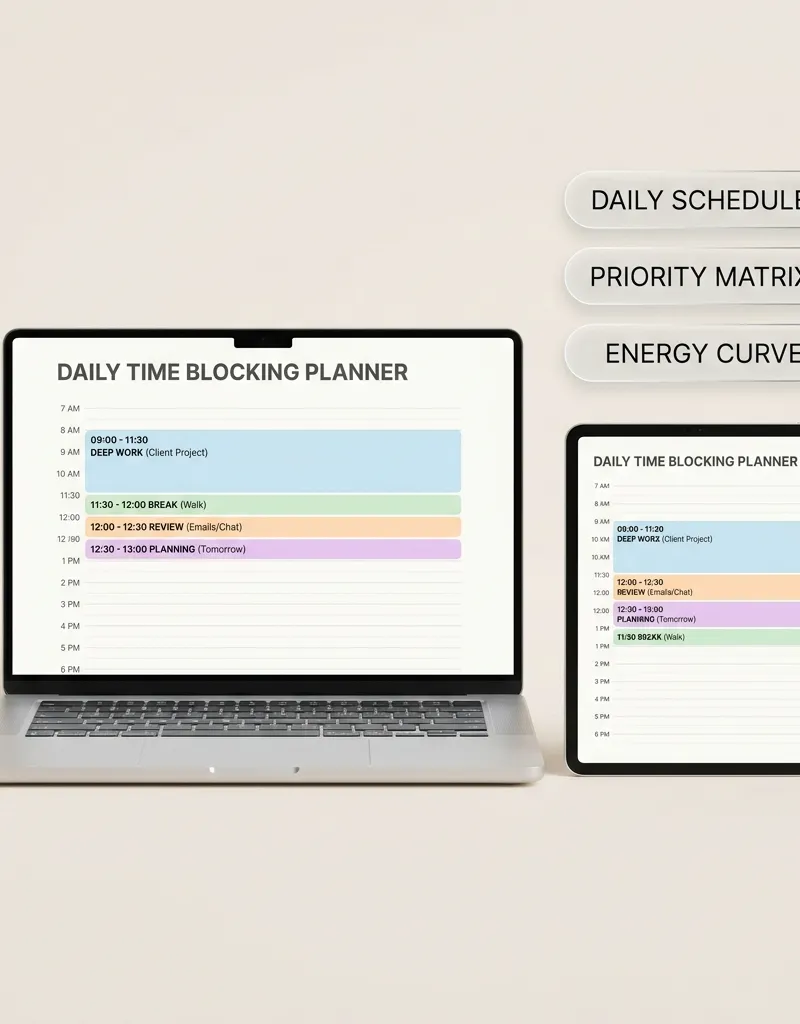
If you prefer paper-style daily pages, a time blocking daily planner keeps the method simple. Managers juggling priorities may like the executive daily planner with a priority matrix, and teams experimenting with shorter weeks can model capacity with the four-day work week planner.

A note on pace
Musk has described working very long weeks; that is not a target. Timeboxing is useful because it makes trade-offs visible — including the time you need for sleep, family and rest. This guide is not affiliated with or endorsed by Elon Musk or his companies, and it is not a substitute for medical or mental-health care if work stress is affecting your health.
Strategic Topic Frameworks & Practical Connections
To deepen your practical mastery and build an integrated operational workflow within this topic, explore these complementary guides:
- Implement the execution protocols in Elon Musk First Principles Thinking & 5-Minute Time Boxing Guide to systematically strengthen your foundational routine.
- Explore the strategic principles detailed in Deconstructing Elon Musk's Daily Schedule: The Power of 5-Minute Time Blocking for advanced optimization and mental clarity.
- Apply the structured methods from Flowmodoro Technique: Deep Work Flow State Timer, Ratio Rules & Anti-Burnout Guide to maintain long-term momentum and consistency.
FAQ
Does Elon Musk really plan his day in 5-minute blocks?
That is how his schedule has been widely described in interviews and reporting, including by CNBC. Treat it as a reported practice rather than a precise rule; the useful idea is fixed, pre-planned blocks.
What is Elon Musk's 5-step algorithm?
Question every requirement, delete any part or process you can, simplify and optimise, accelerate cycle time, then automate — in that order. It is described in Walter Isaacson's 2023 biography.
Is 5-minute timeboxing good for ADHD or overwhelm?
Short, clearly defined blocks help some people start tasks, but a very fine grid can also add pressure. Start with 15 minutes, include breaks, and talk to a professional if focus problems affect daily life.
How do I start timeboxing tomorrow?
Tonight, list tomorrow's tasks, put the hardest one in your best hours as a 60–90-minute block, add two email blocks and one buffer block, and mark each block done as you go.
What is the difference between time blocking and timeboxing?
Time blocking reserves time for a type of work; timeboxing also sets a hard end for a specific task. In practice people use the terms interchangeably.
Explore verified real-time macro telemetry, market catalysts, and capital flow intelligence.
Multi-company intelligence mapping Tesla capital expenditure, SpaceX commercial contracts, and X financial rails integration.
Tools featured in this guide

5-Minute Timeboxing & 5-Step Algorithm Productivity Kit — Day Planner, Process Workshop and Weekly Review
Plan your day in 5-minute blocks, see planned vs done for the week, measure meeting cost, and cut wasted work with the five-step question-delete-simplify-accelerate-automate method.
$24.99₫549,000
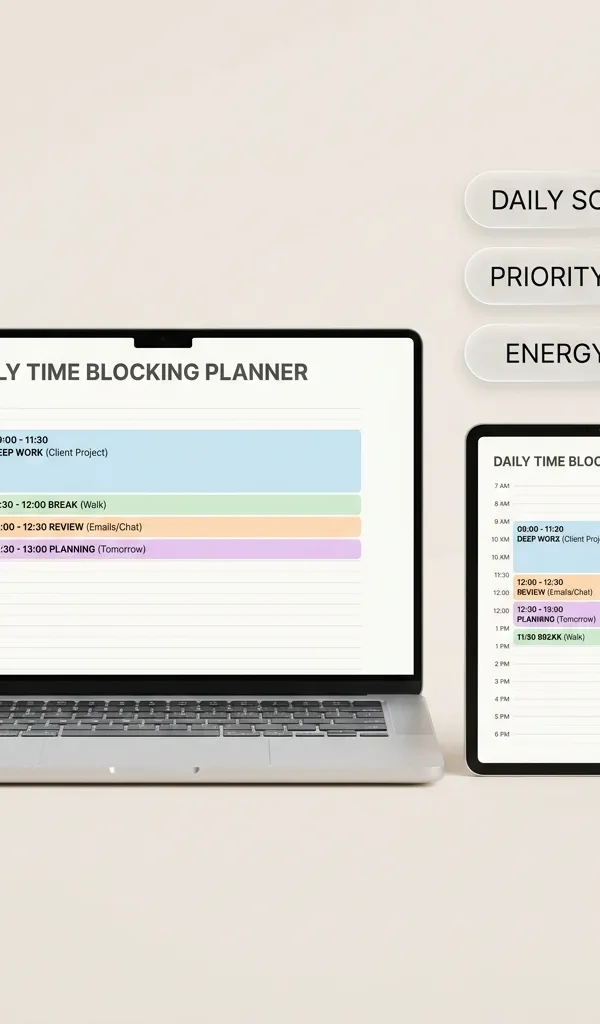
5-Minute Time-Blocking Daily Planner (Executive Edition)
Interactive single-file digital planner designed for intense productivity, 5-minute time-boxing, priority matrices, and deep work blocks.
$24.99₫549,000
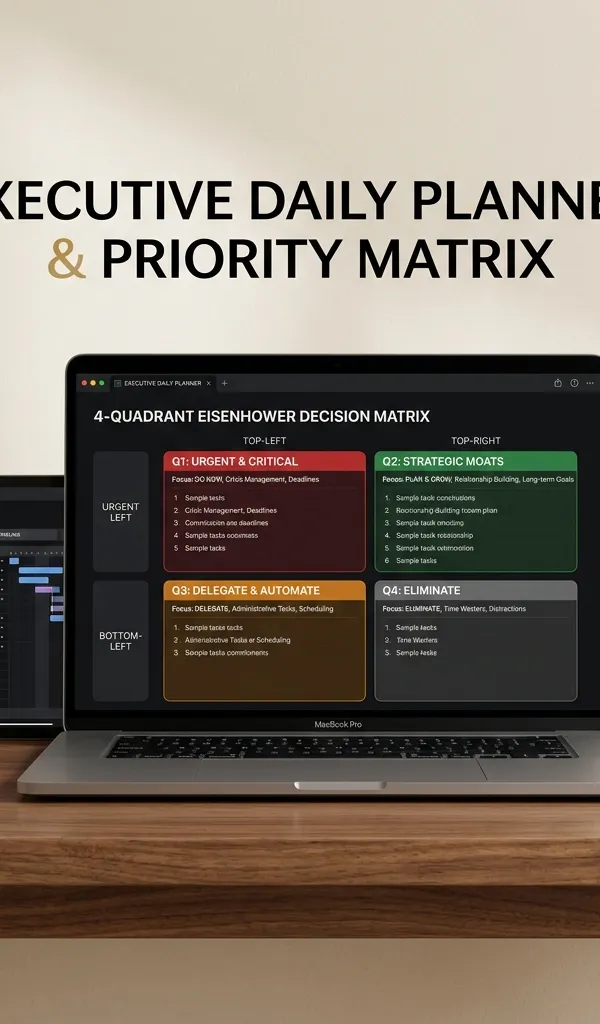
Executive Daily Planner & Priority Matrix — CEO 14h Schedule & Flat Org Operating System
Master High-Leverage Strategic Focus, 4-Quadrant Eisenhower Prioritization, and Flawless Time Blocking
$22.99₫499,000

4-Day Work Week Shift & Team Capacity Planner | Interactive 32h Operating System
Model team shifts, cut meeting overload, and protect deep work with a 32-hour work week capacity system.
$22.99₫499,000
Guides in this Topic
View all (23) → productivity
Second Brain Productivity System: The Ali Abdaal & Tiago Forte Creator OS Guide
Master the second brain productivity system with Tiago Forte's PARA method and Ali Abdaal's YouTube workflow template for modern content creators.
Read guide Productivity
Deconstructing Elon Musk's Daily Schedule: The Power of 5-Minute Time Blocking
Deconstruct Elon Musk's daily schedule and ultra-granular 5-minute time blocking routine. Practical templates for extreme productivity and focus.
Read guide productivity
The 1-3-5 Rule Daily Task Matrix: Anti-Overwhelm Focus & Productivity Guide
Master the 1-3-5 rule daily productivity system: organize 1 big goal, 3 medium tasks, and 5 quick wins to eliminate burnout and maintain daily focus.
Read guide productivity
Andy Grove High Output Management & OKR Goal Planning Guide
Master Andy Grove's High Output Management principles and OKR goal setting. Learn how the Intel CEO designed high-leverage organizational systems.
Read guide Deep Work & Peak Productivity
Cal Newport Deep Work & Time-Blocking Planner Guide
Master Cal Newport's Deep Work rules, daily time-blocking templates, shutdown rituals, and slow productivity strategies to eliminate distractions.
Read guide AI & Productivity Systems
Copilot vs ChatGPT: Complete AI Productivity & Workflow Guide
Detailed comparison of Copilot vs ChatGPT for coding, Excel workflows, and enterprise operations. Discover the best AI tools for business productivity.
Read guide
Topic Pillar
Productivity & Deep Work
Time-blocking, personal operating systems, Second Brain architecture, and cognitive optimization.
Ask Yinyang Masters inside your AI assistant
Get the same calculations and guidance right in your chat: add the free Yinyang Masters app, then ask in plain English. No account needed.
Try asking: “Find a Yinyang Masters guide about starting a daily spiritual practice.”