



Second Brain Productivity System: The Ali Abdaal & Tiago Forte Creator OS Guide

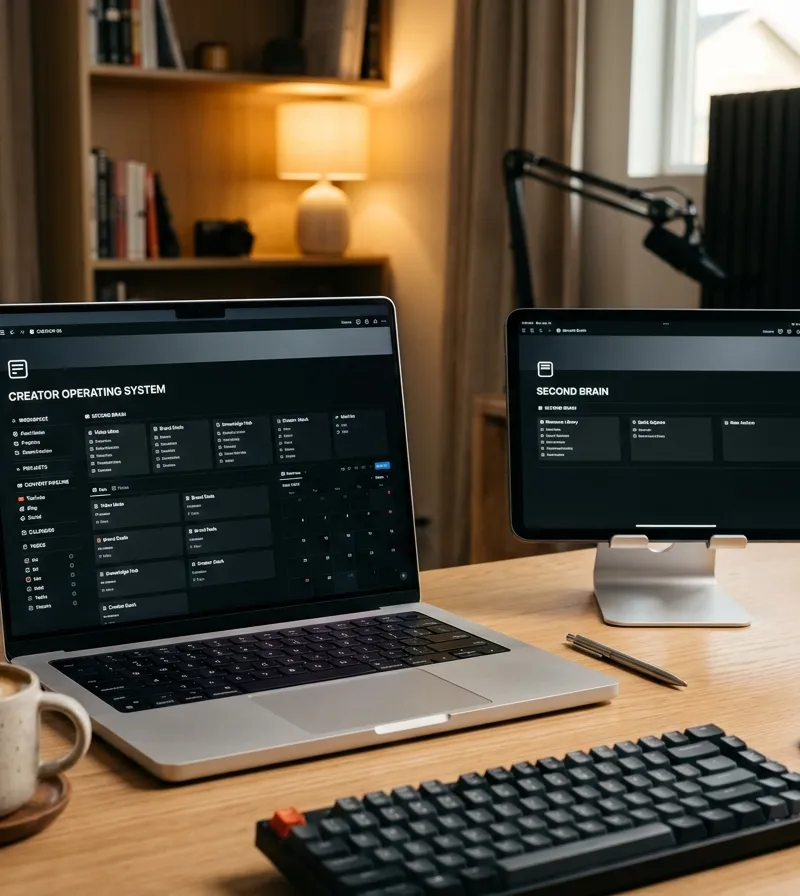
The second brain productivity system is an externalized digital architecture combining Tiago Forte's PARA method and Ali Abdaal's YouTube workflow engine. It systematically captures, organizes, distills, and expresses knowledge to eliminate creative friction and turn scattered notes into high-value published content.
In the modern creator economy, creative professionals and knowledge workers face a pervasive crisis of cognitive overload. Every day, an individual consumes hundreds of articles, podcasts, video clips, and research papers, only to forget 90% of those insights within forty-eight hours. When it comes time to sit down and produce high-caliber work—whether an analytical essay, a YouTube video, a digital product, or a corporate strategy deck—creators frequently confront the paralyzing terror of the blank page.
The antidote to this creative friction is building a second brain productivity system. Pioneered by productivity researcher Tiago Forte and popularized globally by creator Ali Abdaal (with over 6 million YouTube subscribers), the Second Brain framework transforms personal knowledge management from a chaotic digital landfill into a high-leverage creative production engine.
This comprehensive architectural guide deconstructs the core methodologies behind Building a Second Brain, details how to build an ali abdaal youtube workflow template, examines the structural role of a content creator operating system spreadsheet, and provides the exact tiago forte weekly review checklist to keep your digital ecosystem clean, energized, and ready for effortless output.
1. What Is a Second Brain Productivity System?
At its core, a second brain is an externalized, centralized digital repository designed to store your notes, observations, bookmarks, and creative sparks so that your biological brain is liberated to do what it does best: synthesize, reason, imagine, and create.
As author David Allen observed in Getting Things Done, "Your mind is for having ideas, not holding them." When you attempt to remember project deadlines, reference quotes, filming setups, and personal reminders simultaneously inside your working memory, your executive function suffers severe cognitive leakage.
A second brain operates through two fundamental architectures developed by Tiago Forte:
- The C.O.D.E. Framework: The sequential lifecycle of information (Capture, Organize, Distill, Express).
- The P.A.R.A. Method: The structural organizational hierarchy based on direct actionability rather than rigid academic subjects.
       [Information Stream]
                 ↓
      Capture (Keep what resonates)
                 ↓
      Organize (Sort into P.A.R.A.)
                 ↓
      Distill (Progressive summarization)
                 ↓
      Express (Ship creative output)

2. The C.O.D.E. Framework: Lifecycle of an Idea
To prevent digital clutter, every piece of incoming information must traverse the four sequential phases of the C.O.D.E. pipeline:
1. Capture (Keep What Resonates)
Instead of hoarding entire articles or bookmarking hundreds of open browser tabs, master the art of selective capturing. Only record highlights, key diagrams, memorable anecdotes, or counterintuitive data points that trigger an emotional or intellectual resonance. If an idea does not spark immediate curiosity or serve an active project, let it go.
2. Organize (Actionability Over Topic)
Traditional digital filing systems fail because people organize by broad subjects (e.g., "Psychology", "Finance", "History"). When working on a tight creative deadline, you rarely have time to sift through fifty folders to find one useful insight. The second brain organizes strictly by actionability: how close is this piece of knowledge to completing an active goal?
3. Distill (Progressive Summarization)
Raw notes are useless unless they can be reviewed in seconds. Through progressive summarization, you revisit captured notes and layer them:
- Layer 1: Raw excerpt from the book or transcript.
- Layer 2: Bold the most insightful sentences.
- Layer 3: Highlight the core phrases within those bolded passages.
- Layer 4: Write an Executive Summary of 2–3 sentences in your own voice at the top of the note.
4. Express (Create and Ship Output)
The ultimate measure of a second brain is not how much data it stores, but how much tangible creative work it enables you to ship. Knowledge hoarding is merely procrastination disguised as productivity. Every note, quote, or draft should ultimately fuel an essay, a newsletter, a podcast episode, a code repository, or a client deliverable.
3. The P.A.R.A. Method: Organizing for Actionability
The cornerstone of Tiago Forte's system is the P.A.R.A. hierarchy. Regardless of whether you use Notion, Apple Notes, Obsidian, or an interactive local workspace, your top-level structure comprises four clear categories:
| Category | Definition | Lifespan & Urgency | Example Items |
|---|---|---|---|
| Projects | Series of tasks linked to a clear goal with a defined deadline | Short-term (Weeks to Months) | "Launch YouTube Series Q4", "Ship Product Landing Page", "Finish Video Script #24" |
| Areas | Spheres of continuous activity with standards to maintain over time | Long-term (Indefinite / Ongoing) | "Health & Fitness", "Personal Finances", "YouTube Channel Operations", "Direct Team Management" |
| Resources | Topics or assets of ongoing interest to reference in future projects | Medium-term (Reference Library) | "Video Editing Sound Effects", "B-Roll Shot Ideas", "Cognitive Biases Swipe File", "Email Subject Lines" |
| Archives | Inactive items from the previous three categories retained for history | Inactive (Cold Storage) | Completed projects from 2025, past client engagements, decommissioned software templates |
Whenever a new note arrives, route it to the highest actionability level possible. If it directly moves an active Project forward, place it into Projects. If it pertains to ongoing life standards, assign it to Areas.
4. Ali Abdaal’s YouTube Workflow Architecture
While Tiago Forte solved the architecture of knowledge organization, Ali Abdaal solved the assembly line of digital content creation. Managing a high-growth YouTube channel requires coordinating idea generation, thumbnail drafting, scripting, filming, and post-production without burning out.
An optimized ali abdaal youtube workflow template relies on an end-to-end production pipeline divided into five distinct operational stages:
Phase 1: The Idea Sandbox & Validation
Never begin filming or even drafting a full script without validating the core premise. Ali Abdaal tests ideas against three critical criteria:
- Curiosity Score (1–10): Does this topic genuinely excite the creator? If you lack enthusiasm, viewers will immediately sense the emotional flatline.
- Audience Utility & Search Intent: Does this solve a concrete problem or answer a high-volume search query?
- Packaging Potential: Can we formulate at least three compelling video titles and visualize a clickable thumbnail before writing a single word of the script?
Phase 2: Scripting & The 3-Act Hook Structure
Modern online audiences decide whether to abandon a video within the first 30 seconds. Ali Abdaal uses a structured scripting formula:
- Hook (0:00 – 0:30): State the problem vividly, introduce the high-stakes payoff, and immediately promise a resolution.
- The Core Argument / Meat: 3 to 5 clear takeaways or actionable frameworks, supported by personal case studies or data.
- The Call to Value (CTV): Seamlessly transition viewers toward an affiliated digital download, an interactive template, or the next recommended video in the playlist.
Phase 3: Filming & Production Kanban
Using a visual Kanban system (Backlog → Scripting → Ready to Film → Filming → Editing → Scheduled), creator teams maintain absolute transparency. Batching is vital: filming three talking-head videos in a single studio session saves hours of camera calibration and lighting setup.
Phase 4: Editing & B-Roll Asset Management
Editors pull from centralized Resources folders containing sound effect soundbites, motion graphics templates, and approved color LUTs, ensuring cohesive brand aesthetics across every upload.
Phase 5: The "Feel-Good Productivity" Audit
Inspired by Ali Abdaal’s book Feel-Good Productivity, every creative cycle concludes with an energy check: Did this project invigorate your creative energy, or did friction deplete your momentum? Adjust systems to protect creative play over pure industrial grind.
5. Software Comparison: Notion vs Obsidian vs Spreadsheet/HTML OS
Creators frequently get trapped in software paralysis, spending weeks building intricate systems instead of shipping content. Here is how the primary tool architectures compare:
| Feature / Metric | Notion Workspace | Obsidian Local Vault | HTML / Spreadsheet Creator OS |
|---|---|---|---|
| Primary Strength | Relational databases & team collaboration | Linked Markdown & long-term knowledge graphs | Instant zero-latency loading & local ownership |
| Setup Complexity | High (frequent template breakage) | Very High (plugin dependencies) | Low (ready-to-use structured dashboards) |
| Offline Reliability | Medium (cloud dependent) | Excellent (plain text files) | 100% Offline (single-file execution) |
| Visual Aesthetics | Polished web interface | Minimalist / technical UI | Bespoke typography & custom dark/light themes |
| Vendor Lock-In | High proprietary lock-in | Low (local Markdown) | Zero (open standards JSON/HTML/CSV) |
For solo creators who want a dedicated production dashboard without subscription costs or complex database formulas, utilizing an offline-first content creator operating system spreadsheet or an interactive single-file HTML system provides the fastest path to frictionless daily output.

6. The Tiago Forte Weekly Review Checklist
Even the most sophisticated second brain will degrade into digital chaos without regular maintenance. Tiago Forte prescribes a weekly ritual of approximately 30 to 45 minutes to reset your cognitive workspace.
Here is the exact tiago forte weekly review checklist to execute every Sunday:
[ ] Phase 1: GET CLEAR (Empty Inboxes)
    [ ] Clear physical desk, receipts, and notepad scribbles.
    [ ] Empty desktop downloads folder into Trash or Archive.
    [ ] Review phone camera roll and export relevant screenshots to Second Brain.
    [ ] Process digital capture inbox down to zero notes.

[ ] Phase 2: GET CURRENT (Update Systems)
    [ ] Review active calendar for the upcoming 7 days.
    [ ] Review active Projects list: Are all deadlines accurate?
    [ ] Mark completed projects and move their assets to Archive.
    [ ] Confirm next physical actions for every ongoing Project.
    [ ] Review waiting-for list (delegated tasks, sponsors, editors).

[ ] Phase 3: GET CREATIVE (Synthesize & Plan)
    [ ] Review newly captured Resource notes and bold standout passages.
    [ ] Brainstorm 3 fresh content hooks for the upcoming production week.
    [ ] Select the #1 Single Most Important Project to advance tomorrow morning.
Executing this checklist guarantees that Monday morning begins with pure creative velocity rather than administrative overwhelm.
7. Interactive Digital Tools for Modern Content Creators
To implement this complete workflow immediately without weeks of tedious database configuration, explore our purpose-built productivity ecosystems:
- Experience the Content Creator Operating System & Second Brain Pipeline, an interactive, single-file HTML workspace engineered with a dynamic Idea Sandbox, visual YouTube Production Kanban, PARA Knowledge Vault, and embedded Weekly Review checklist with local storage backup.
- Protect your daily deep work blocks using our 5-Minute Timeboxing & Productivity Kit, inspired by Elon Musk’s aggressive calendar segmentation.
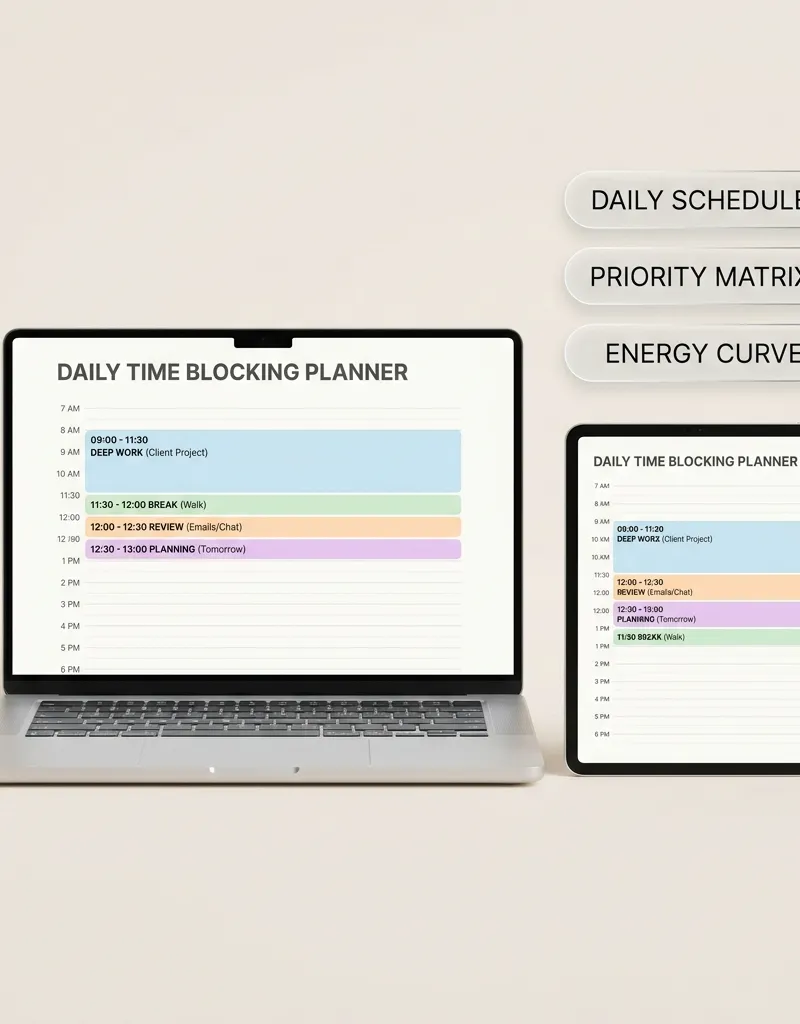
- Maintain tactical daily focus with the Time Blocking Daily Planner.
- Build unshakeable morning execution discipline with the Navy SEAL Extreme Accountability Journal.
Strategic Topic Frameworks & Practical Connections
To deepen your practical mastery and build an integrated operational workflow within this topic, explore these complementary guides:
- Implement the execution protocols in Andy Grove High Output Management & OKR Goal Planning Guide to systematically strengthen your foundational routine.
- Explore the strategic principles detailed in Cal Newport Deep Work & Time-Blocking Planner Guide for advanced optimization and mental clarity.
- Apply the structured methods from Eisenhower Matrix & Urgent vs Important Task Delegation Guide to maintain long-term momentum and consistency.
Frequently Asked Questions
What is the difference between a Second Brain and a simple to-do list?
A to-do list only captures fleeting tactical actions (e.g., "send invoice", "buy milk"). A second brain captures intellectual assets, research findings, and conceptual frameworks, linking high-level creative vision to concrete daily execution through the P.A.R.A. hierarchy.
How much time should I spend maintaining my Second Brain each week?
Maintenance should never exceed 5% of your total working hours. By executing the 30-minute weekly review checklist on Sundays, daily note-capturing takes less than 60 seconds per item, preserving your maximum energy for actual content production.
Can I build a Second Brain using free software tools?
Yes. The principles of C.O.D.E. and P.A.R.A. are software-agnostic. You can implement them in free applications like Apple Notes, Google Keep, or an interactive local HTML tool without ever purchasing recurring software subscriptions.
How does Ali Abdaal's workflow integrate with Tiago Forte's PARA?
Ali Abdaal treats each active YouTube video as a distinct Project within PARA. Research materials and quotes are pulled directly from Resources, while completed project assets and published scripts are automatically cataloged into Archives.
Disclaimer: This guide is formulated for educational, knowledge management, and creative productivity purposes. All trademarks, names, and frameworks (Building a Second Brain, P.A.R.A., Feel-Good Productivity) belong to their respective copyright holders.
Tools featured in this guide
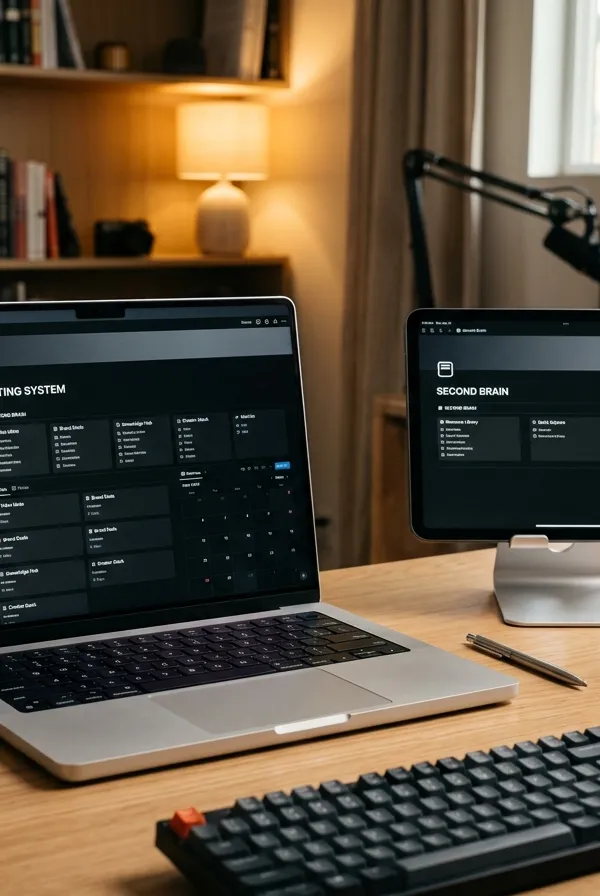
Content Creator Operating System & Second Brain Pipeline
Interactive single-file browser workstation for digital creators, YouTubers, podcasters, and writers powered by Tiago Forte's CODE system and Ali Abdaal's 3-Gear production engine.
$24.99₫549,000

5-Minute Timeboxing & 5-Step Algorithm Productivity Kit — Day Planner, Process Workshop and Weekly Review
Plan your day in 5-minute blocks, see planned vs done for the week, measure meeting cost, and cut wasted work with the five-step question-delete-simplify-accelerate-automate method.
$24.99₫549,000
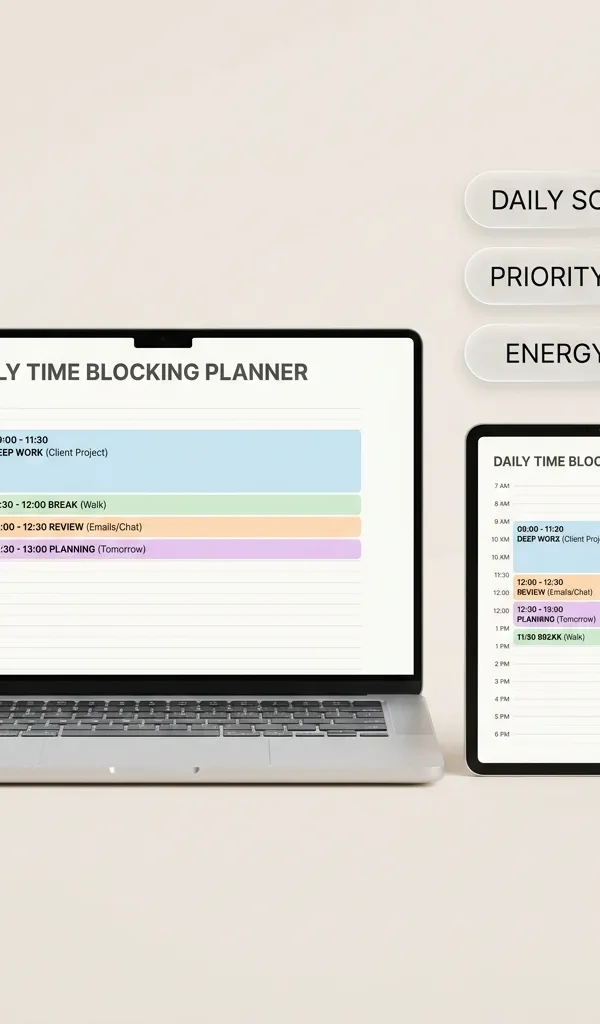
5-Minute Time-Blocking Daily Planner (Executive Edition)
Interactive single-file digital planner designed for intense productivity, 5-minute time-boxing, priority matrices, and deep work blocks.
$24.99₫549,000

Navy SEAL Extreme Accountability & Daily Discipline Journal
Interactive single-file command center for the 4:30 AM wake-up protocol, extreme ownership after-action reviews, and daily battle planning.
$22.99₫499,000
Guides in this Topic
View all (23) →- Productivity
Elon Musk's 5-Minute Timeboxing and 5-Step Algorithm: How the Method Works and How to Use It Without Burning Out
How Elon Musk's reported 5-minute timeboxing works, the five-step algorithm from Isaacson's biography, and a realistic way to try both in your own week.
Read guide  Productivity
Deconstructing Elon Musk's Daily Schedule: The Power of 5-Minute Time Blocking
Deconstruct Elon Musk's daily schedule and ultra-granular 5-minute time blocking routine. Practical templates for extreme productivity and focus.
Read guide Executive Leadership & Effectiveness Architecture
The 7 Habits of Highly Effective People by Stephen Covey: Complete Architecture Guide
Master the 7 Habits of Highly Effective People: Stephen Covey time management matrix, Quadrant 2 focus, private vs public victory, and weekly planning.
Read guide productivity
The 1-3-5 Rule Daily Task Matrix: Anti-Overwhelm Focus & Productivity Guide
Master the 1-3-5 rule daily productivity system: organize 1 big goal, 3 medium tasks, and 5 quick wins to eliminate burnout and maintain daily focus.
Read guide productivity
Andy Grove High Output Management & OKR Goal Planning Guide
Master Andy Grove's High Output Management principles and OKR goal setting. Learn how the Intel CEO designed high-leverage organizational systems.
Read guide Deep Work & Peak Productivity
Cal Newport Deep Work & Time-Blocking Planner Guide
Master Cal Newport's Deep Work rules, daily time-blocking templates, shutdown rituals, and slow productivity strategies to eliminate distractions.
Read guide
Topic Pillar
Productivity & Deep Work
Time-blocking, personal operating systems, Second Brain architecture, and cognitive optimization.
Ask Yinyang Masters inside your AI assistant
Get the same calculations and guidance right in your chat: add the free Yinyang Masters app, then ask in plain English. No account needed.
Try asking: “Find a Yinyang Masters guide about starting a daily spiritual practice.”