



Copilot vs ChatGPT: Complete AI Productivity & Workflow Guide

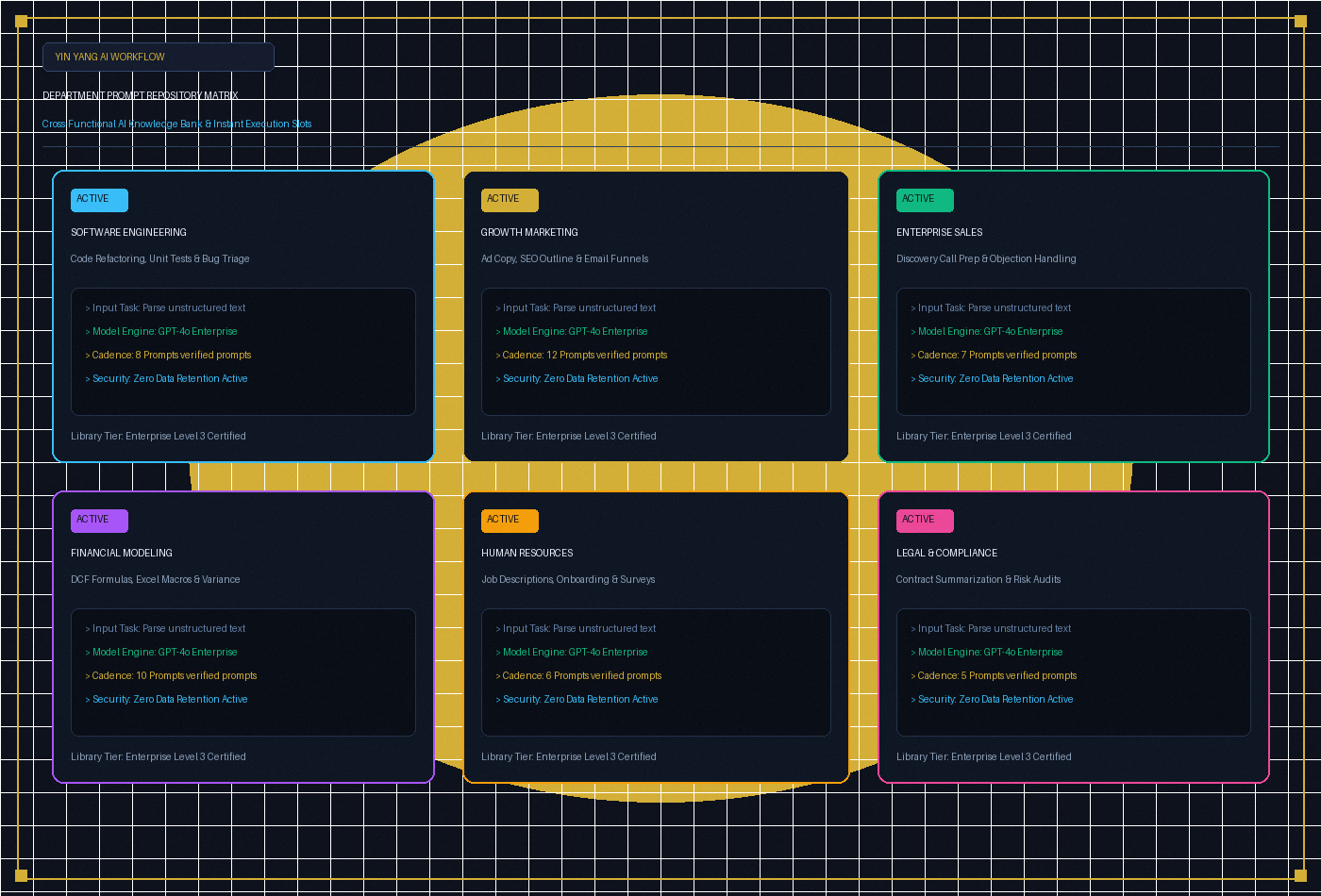
The debate over copilot vs chatgpt defines modern workplace productivity. While Microsoft Copilot deeply embeds generative intelligence directly inside Office spreadsheets and enterprise documents, OpenAI ChatGPT delivers superior standalone reasoning, creative brainstorming, and autonomous coding breakthroughs. Evaluating both platforms unlocks massive efficiency across knowledge workflows.
For knowledge workers, software developers, and executive operators, selecting between copilot vs chatgpt is not merely a software preference—it dictates how institutional knowledge is indexed, queried, and transformed. Both tools have evolved beyond simple chatbots into full-fledged operational operating systems capable of automating multi-hour administrative burdens.
1. Architectural Divergence: Ecosystem Embedding vs Pure Reasoning
To make an informed organizational decision, one must first recognize the fundamental structural difference between the two titans:
- Microsoft 365 Copilot (Contextual Integration): Anchored directly inside Microsoft Graph. It possesses real-time read and write access to your Outlook inbox, OneDrive corporate folders, Teams meeting transcripts, and SharePoint data repositories. Its primary superpower is synthesis across internal enterprise silos.
- OpenAI ChatGPT (Pure Algorithmic Versatility): Operating with massive context windows and flexible custom GPTs, ChatGPT functions as an unconstrained cognitive sparring partner. It excels at novel problem formulation, advanced statistical synthesis, and rapid exploratory prototyping.
+-----------------------------------------------------------------------------------+
|                  ENTERPRISE AI ARCHITECTURAL SPECTRUM MATRIX                      |
+-----------------------------------------------------------------------------------+
| Feature Layer       | Microsoft Copilot 365           | OpenAI ChatGPT Plus/Team  |
+---------------------+---------------------------------+---------------------------+
| Primary Surface     | Word, Excel, Teams, Outlook     | Web Browser, Mac/Win App  |
| Data Context        | Microsoft Graph Semantic Index  | User Uploads & Custom GPT |
| Coding Integration  | Visual Studio Code Native       | Advanced Canvas & Script  |
| Admin Governance    | Azure Active Directory / Purview| Workspace Admin Console   |
+-----------------------------------------------------------------------------------+
2. Technical Coding Benchmarks: Copilot vs ChatGPT for Coding
When developers evaluate copilot vs chatgpt for coding, the optimal selection depends on the exact stage of the software lifecycle:
In-Editor Autocomplete: GitHub Copilot Dominance
GitHub Copilot remains the uncontested industry standard for in-editor line completion and micro-refactoring. By analyzing the current file AST (Abstract Syntax Tree) alongside active tabs in Visual Studio Code or JetBrains, it anticipates repetitive boilerplate, writes standard unit test fixtures, and suggests idiomatic library calls with sub-second latency.
Architectural Debugging: ChatGPT Canvas Superiority
Conversely, ChatGPT excels when confronting full-system refactors or ambiguous runtime errors. Developers utilize ChatGPT to paste multi-tier stack traces, conceptualize database schemas, and generate complex Docker or Kubernetes configurations. When comparing copilot vs chatgpt for coding, high-velocity engineering organizations deploy GitHub Copilot inside the editor while keeping ChatGPT open for structural architecture and design verification.
3. Curated Directory: Best AI Tools for Productivity
While large language models serve as foundational engines, specialized applications multiply executive velocity. The best ai tools for productivity in modern operational stacks include:
- Perplexity AI: Autonomous research and real-time citation synthesis, replacing fragmented Google web queries.
- Claude 3.5 Sonnet (Anthropic): Unrivaled artifact rendering, nuanced prose synthesis, and front-end interface mockups.
- Granola / Otter.ai: Frictionless meeting transcription that distills 60-minute executive discussions into structured action items.
- Midjourney / Recraft: Vector illustration and high-definition marketing graphic synthesis for rapid campaign mockups.
Deploying the best ai tools for productivity requires an intentional framework to ensure tools do not fragment focus into endless context-switching.
4. Organizational Governance: Best AI Tools for Business
Enterprise procurement teams must scrutinize data sovereignty before scaling generative workflows. Evaluating the best ai tools for business requires rigorous compliance verification:
| Business Dimension | Microsoft 365 Copilot | OpenAI ChatGPT Enterprise |
|---|---|---|
| Data Training Policy | Never trains on customer tenant data | Guaranteed zero training on workspace data |
| Identity Management | Microsoft Entra ID (SSO & MFA) | SAML SSO & SCIM Directory Sync |
| Permissions Guardrails | Respects SharePoint ACL permissions | Workspace role-based access control |
| Data Residency | Bound to existing M365 tenant geo | Dedicated tenant regional routing |
Organizations selecting the best ai tools for business often choose Copilot for internal compliance-heavy documentation while granting ChatGPT Team access to R&D and marketing units for unrestricted experimentation.
5. Practical Mastery: ChatGPT Prompts for Excel
Financial analysts and business controllers derive immense value from tactical prompt engineering. High-leverage chatgpt prompts for excel transform hours of tedious data cleaning into seconds of automated execution:
Prompt 1: Dynamic Multi-Condition Lookup Formulas
"Write an Excel formula using INDEX/MATCH or XLOOKUP that retrieves the Q3 Unit Price from sheet 'Raw_Sales' where Column A matches 'SKU_104' and Column B is within the date range of '2026-07-01' to '2026-09-30'. Include IFERROR handling for missing records."
Prompt 2: Automated VBA Macro for CSV Normalization
"Generate a robust VBA macro that iterates through all imported CSV files in directory C:\Invoices, removes leading blank rows, formats Column C as Currency USD, and combines valid rows into a single master summary tab."
Mastering structured chatgpt prompts for excel empowers non-technical staff to execute senior-level data analysis without writing manual code.
To systematically capture and scale company-wide prompt intellectual property, explore our Copilot vs ChatGPT AI Workflow & Prompt Tracker. This interactive web workspace allows teams to organize prompt libraries by department, calculate real-time hours saved, and compute AI return on investment.
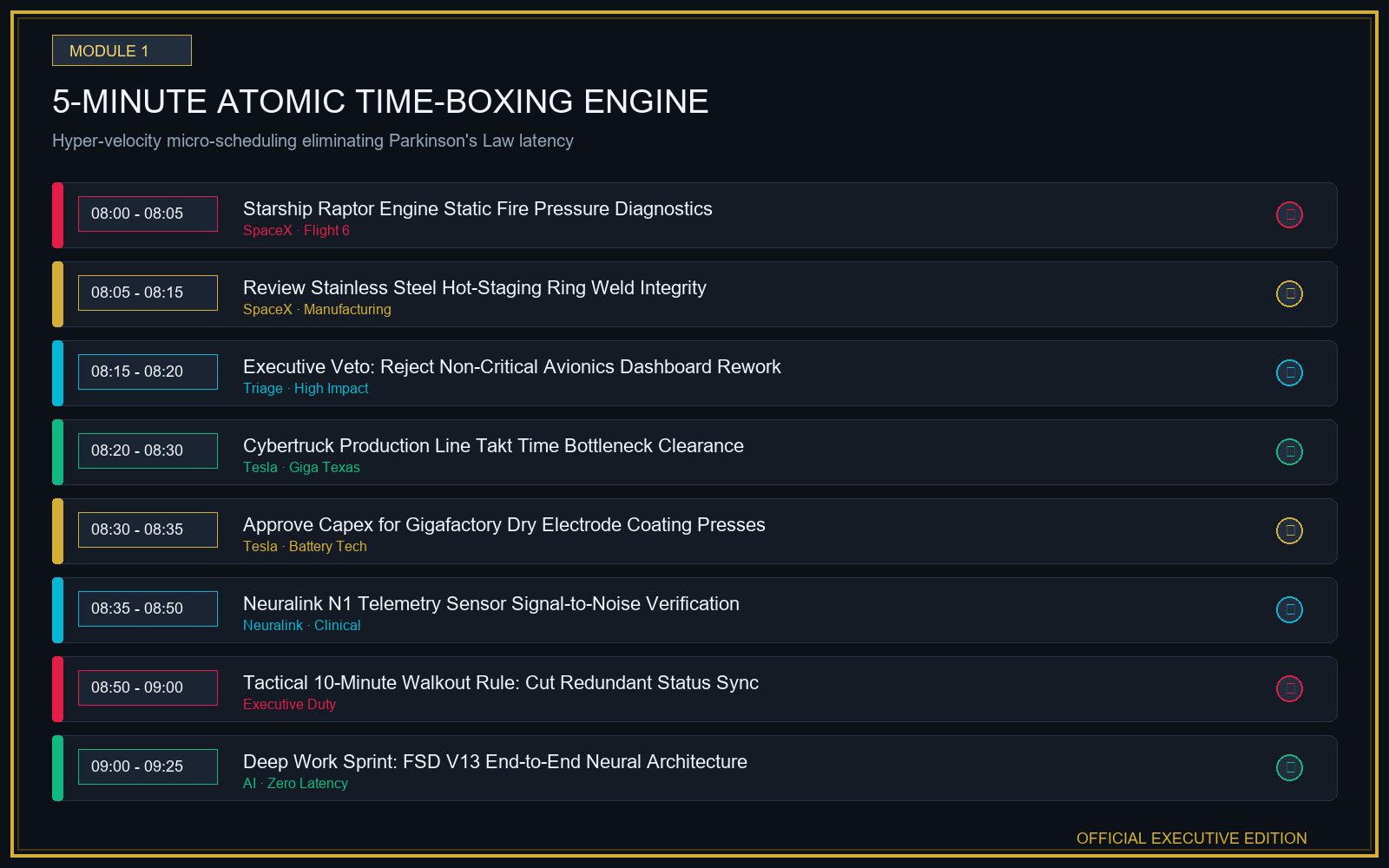
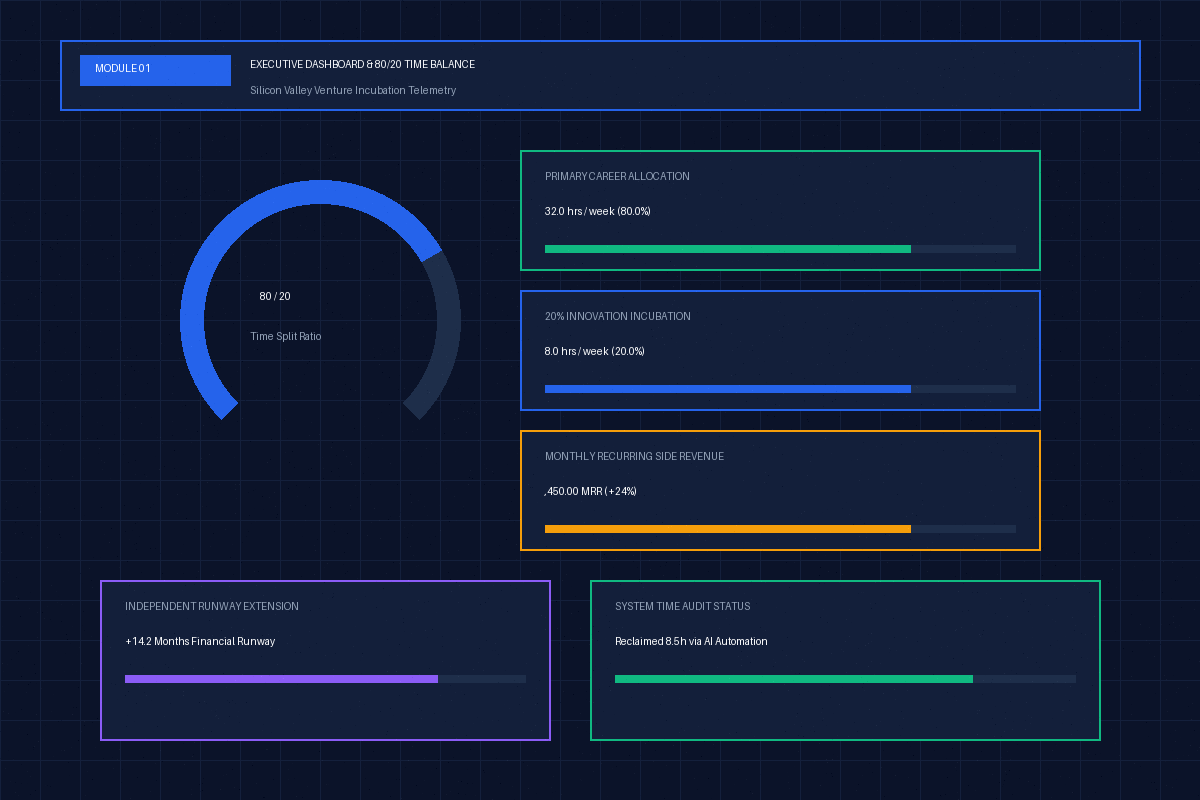
For broader executive efficiency, integrate this workflow with our Elon Musk 100-Hour Work Week Time-Boxing Matrix and the Google 20% Time Project Incubator and the Ray Kurzweil Singularity Future Skills Roadmap..
6. Frequently Asked Questions (FAQ)
Can Microsoft Copilot replace ChatGPT entirely for an enterprise?
Not completely. While Microsoft Copilot excels at summarizing existing enterprise emails, PowerPoint decks, and internal documents, its creative reasoning and exploratory problem-solving are deliberately constrained by conservative safety and enterprise filters. Creative teams and advanced researchers still require the creative agility of ChatGPT.
Is GitHub Copilot the same software as Microsoft 365 Copilot?
No. GitHub Copilot is a specialized coding assistant integrated into IDEs (Visual Studio Code, JetBrains, Neovim) powered by OpenAI Codex and fine-tuned models. Microsoft 365 Copilot is an office orchestration suite embedded in Word, Excel, PowerPoint, Teams, and Outlook.
How do I prevent confidential company data from leaking into public AI models?
Never allow employees to use consumer-grade free AI accounts for company business. Ensure your organization deploys Microsoft 365 Copilot with commercial data protection or ChatGPT Team/Enterprise tiers, where contractual terms legally prohibit customer data from being used in model training.
What is the fastest way to calculate AI ROI across my workforce?
Track hours saved per week per employee across recurring tasks (such as drafting emails, cleaning spreadsheets, and writing code documentation). Multiply total hours saved by the blended hourly compensation rate, then subtract monthly seat licensing costs to determine net efficiency gains.
Research & References
- [1]Microsoft 365 Copilot Architecture & Enterprise Data Protection ↗
- [2]OpenAI ChatGPT Enterprise Security, Privacy, and Performance Whitepaper ↗
For comprehensive editorial standards and health/financial disclaimers, view our Editorial Policy.
Tools featured in this guide
Copilot vs ChatGPT AI Workflow & Daily Prompt Interactive Tracker
$24₫529,000
Elon Musk 100-Hour Work Week and 5-Minute Time-Boxing Interactive Matrix
$24₫529,000
Google 20% Time Rule Side Project Incubation & Income Diversification Tracker
Interactive single-file venture operating system for calibrating 80/20 time allocations, incubating side hustles across 5 pipeline stages, and scaling multi-stream revenue.
$24₫529,000
Guides in this Topic
View all (23) →- Productivity & Executive Leadership
Elon Musk 100-Hour Work Week Schedule & 5-Minute Time-Boxing Guide
Master Elon Musk's hardcore schedule, 5-minute time-boxing rule, deep work routine, and ruthless focus frameworks to eliminate procrastination.
Read guide - Productivity & Career Strategy
Google 20% Time Rule Side Project Incubation & Income Tracker Guide
Master Google's 20% time rule to incubate side hustles, balance 80/20 deep work, and build diversified sovereign income without corporate burnout.
Read guide  productivity
The 1-3-5 Rule Daily Task Matrix: Anti-Overwhelm Focus & Productivity Guide
Master the 1-3-5 rule daily productivity system: organize 1 big goal, 3 medium tasks, and 5 quick wins to eliminate burnout and maintain daily focus.
Read guide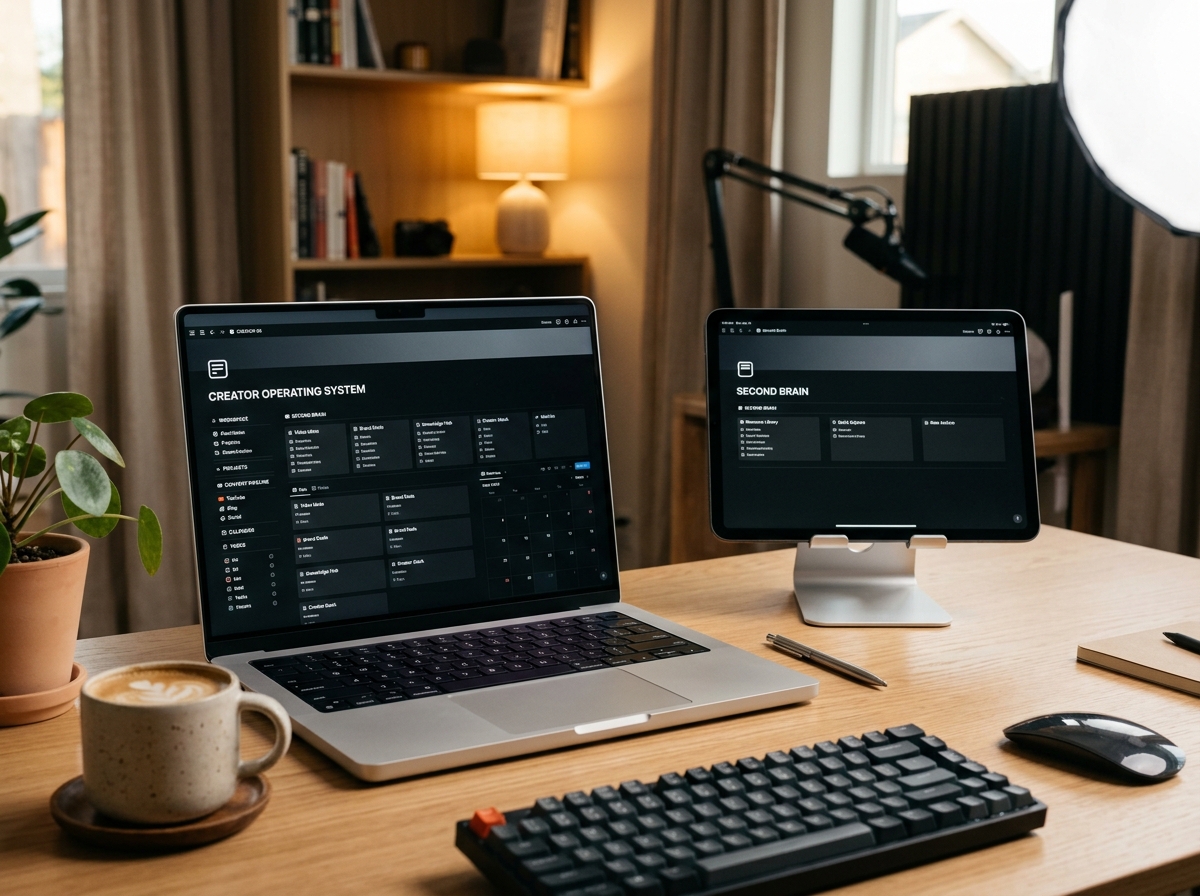 productivity
Second Brain Productivity System: The Ali Abdaal & Tiago Forte Creator OS Guide
Master the second brain productivity system with Tiago Forte's PARA method and Ali Abdaal's YouTube workflow template for modern content creators.
Read guide productivity
Andy Grove High Output Management & OKR Goal Planning Guide
Master Andy Grove's High Output Management principles and OKR goal setting. Learn how the Intel CEO designed high-leverage organizational systems.
Read guide Deep Work & Peak Productivity
Cal Newport Deep Work & Time-Blocking Planner Guide
Master Cal Newport's Deep Work rules, daily time-blocking templates, shutdown rituals, and slow productivity strategies to eliminate distractions.
Read guide
Topic Pillar
Productivity & Deep Work
Time-blocking, personal operating systems, Second Brain architecture, and cognitive optimization.
Ask Yinyang Masters inside your AI assistant
Get the same calculations and guidance right in your chat: add the free Yinyang Masters app, then ask in plain English. No account needed.
Try asking: “Find a Yinyang Masters guide about starting a daily spiritual practice.”