



Marie Kondo Digital Declutter & Spark Joy Workspace Guide

Marie Kondo’s routine focuses on intentional tidying by category rather than location, discarding items that no longer serve a purpose, and curating an environment that sparks joy. When translated to digital workspaces, her KonMari methodology systematically purges virtual clutter, organizes fragmented files, and restores serene cognitive clarity to daily knowledge work.
Modern professional burnout is rarely caused by heavy workloads alone; it is exponentially compounded by invisible digital clutter. Knowledge workers spend their days staring at overloaded operating system desktops crowded with hundreds of miscellaneous screenshots, unorganized download folders, bloated cloud storage drives, and email inboxes overflowing with thousands of unread newsletters.
Marie Kondo achieved international acclaim with The Life-Changing Magic of Tidying Up by reframing decluttering from a tedious chore into an emotional act of mindfulness. Applying the KonMari philosophy to your digital infrastructure transforms computers and smartphones from sources of chronic anxiety into serene creative sanctuaries.
The KonMari Digital Category Hierarchy
A fundamental error in traditional computer organization is tidying by folder or storage drive. Kondo mandates sorting strictly by item category in a precise sequential progression:
┌────────────────────────────────────────────────────────┐
│            THE KONMARI DIGITAL DECLUTTER SEQUENCE      │
├────────────────────────────────────────────────────────┤
│ 1. Ephemeral Downloads & Desktop Debris (Immediate)    │
│ 2. Communication Inboxes & Newsletter Subscriptions    │
│ 3. Active Work-in-Progress Project Assets              │
│ 4. Reference Archives & Tax / Legal Documentation      │
│ 5. Sentimental Digital Media (Photos & Video Memories) │
└────────────────────────────────────────────────────────┘
By tackling digital clutter in this strict order, users build decision-making stamina on disposable temporary files before wrestling with emotionally complex personal archives.
The Five Steps of KonMari Digital Decluttering
Applying Kondo's five core principles to your digital operating system establishes a sustainable state of order that eliminates future relapse:
1. Commit to Sincere Digital Transformation
Decluttering cannot be achieved by deleting five files during a boring conference call. Schedule a dedicated three-hour block on your calendar and approach your digital files with calm, focused reverence.
2. Visualize Your Ideal Digital Lifestyle
Before deleting a single byte, articulate how you want your working day to feel. Picture opening a clean laptop screen with a pristine minimalist wallpaper, finding every client document in under three seconds, and closing your device with peace of mind at 5:00 PM.
3. Gather Everything by Category in One Single Place
When cleaning desktop icons, collect every loose document, image, and PDF into a temporary review directory. Seeing the sheer volume of accumulated clutter in one central list triggers the psychological impetus for thorough discernment.
4. Discern the Spark of Joy (Utility & Resonance)
Touch each digital file. In a professional knowledge context, ask: Does this spreadsheet actively advance my current projects? Does this application provide reliable utility? If a file is outdated, obsolete, or induces lingering dread, it must be removed.
5. Express Sincere Gratitude Before Deletion
Kondo famously teaches clients to thank items before letting them go. When unsubscribing from a newsletter or deleting an old project draft, acknowledge the purpose it served when you created or joined it, then send it to the trash bin without lingering guilt.
Chaotic Desktop Entropy vs. The KonMari Digital Zen
The comparative overview below illustrates the cognitive toll of unmonitored digital chaos versus the flow-state benefits of a KonMari workspace:
| Workplace Element | Chaotic Digital Workspace | The KonMari Spark-Joy Workspace |
|---|---|---|
| OS Desktop Screen | 80+ scattered screenshots, icons, and temporary PDFs | minimalist clean wallpaper with zero loose desktop icons |
| Email Inbox State | 4,200 unread marketing emails; chronic anxiety | Inbox Zero daily; strictly curated whitelist of senders |
| Document Retrieval | 5 to 10 minutes frantic searching through nested folders | 3-second instant retrieval using standardized naming |
| Cloud Storage | 3 separate cloud drives cluttered with duplicate backups | Single unified directory structure organized by year/client |
| End-of-Day Ritual | Closes laptop abruptly with 40 browser tabs open | Closes all windows; files active daily notes in under 2 minutes |
Tactical Rules for Maintaining Digital Minimalism
To prevent digital clutter from accumulating after your initial purge, enforce these four operational protocols:
- The 'One-Touch' Download Policy: Every file downloaded from the internet must be acted upon immediately. Rename it, move it to its permanent folder, or delete it within 60 seconds of receipt.
- Automated End-of-Day Desktop Sweep: Set an automated script or a manual reminder at 16:55 to empty the temporary download directory and archive completed project tasks.
- Aggressive Whitelist Unsubscribing: Whenever an irrelevant promotional email arrives in your inbox, do not merely delete it. Click unsubscribe immediately; cut the weed at its root.
- Curate Deliberate Digital Tools: Do not install twelve productivity applications simultaneously. Standardize your operations on a few robust, offline-capable software systems.
Focused Organization & Decluttering Workspaces
To audit your current digital footprint, follow an interactive step-by-step decluttering checklist, and maintain clean daily habits, deploy these specialized digital tools:
- Conduct a thorough 5-stage digital clean-up and track your Spark Joy score with the Digital Declutter & Spark Joy Workspace Interactive Checklist.
- Cap daily task overload and prioritize your 9 essential daily commitments using the 1-3-5 Rule Daily Task Matrix & Anti-Overwhelm Focus Dashboard.
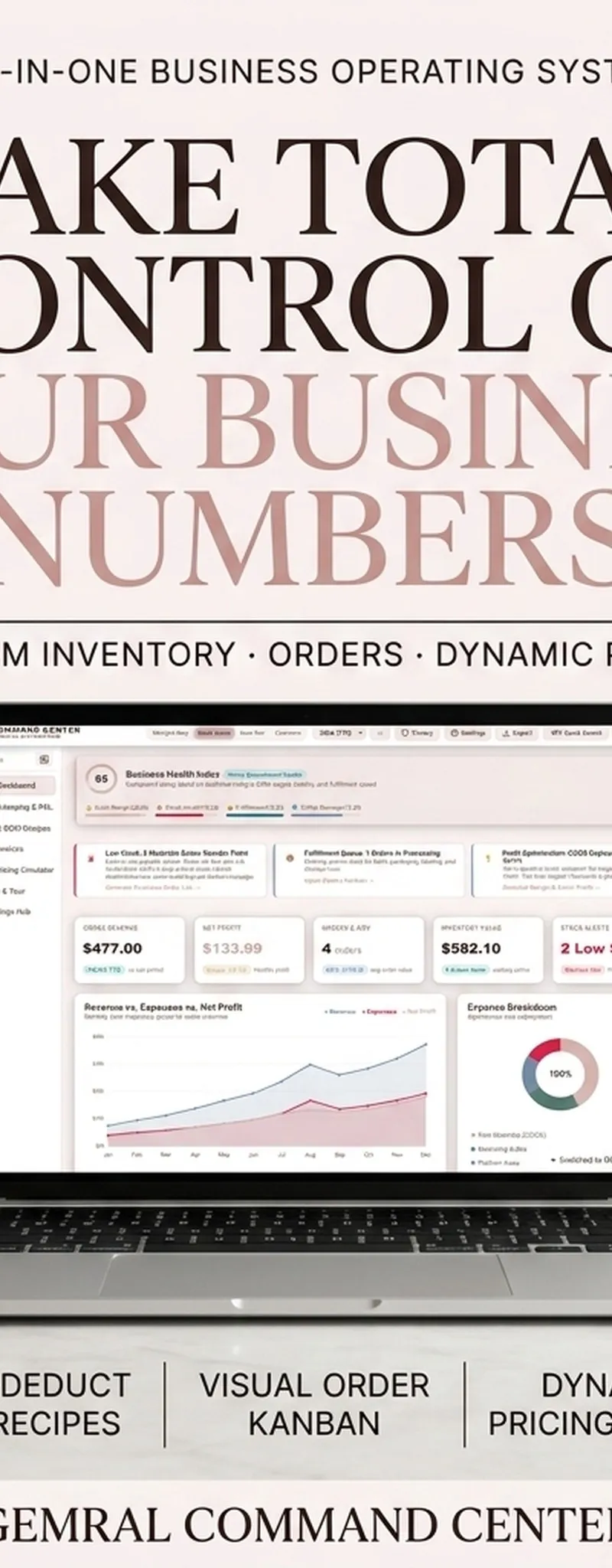
- Consolidate business operations, receipts, and team deliverables inside the Small Business Command Center.
- Align team quarterly milestones and eliminate management bottlenecks with the High Output Management & OKR Quarterly Execution Matrix.

Strategic Topic Frameworks & Practical Connections
To deepen your practical mastery and build an integrated operational workflow within this topic, explore these complementary guides:
- Implement the execution protocols in Pareto 80/20 Rule Productivity & Task Audit Guide to systematically strengthen your foundational routine.
- Explore the strategic principles detailed in The 7 Habits of Highly Effective People by Stephen Covey: Complete Architecture Guide for advanced optimization and mental clarity.
- Apply the structured methods from Building a Second Brain Summary: Tiago Forte PARA Method Guide to maintain long-term momentum and consistency.
Frequently Asked Questions
Does Marie Kondo personally organize digital files?
Yes. In her lifestyle consultancy and recent publications, Marie Kondo emphasizes that physical tidying and digital decluttering share the exact same psychological foundation. She advocates maintaining a clean computer desktop and organizing digital photos with emotional intentionality.
What should I do with business tax documents that do not 'spark joy'?
In the KonMari method, items that are legally mandated or practically indispensable are understood to spark joy through their functional utility. A tax return or legal contract sparks joy by protecting your company from audits and legal penalties. Archive them in a dedicated encrypted folder.
How often should a knowledge worker conduct a digital declutter?
Conduct a 2-minute desktop sweep at the conclusion of every workday, a 20-minute inbox and download cleanup every Friday afternoon, and a comprehensive 2-hour cloud archive audit at the end of each fiscal quarter.
How do I stop hoarding digital courses, PDFs, and bookmarks?
Acknowledge that digital hoarding is driven by fear of scarcity. If you have not opened a saved PDF or bookmark in over six months, thank it for teaching you what topics initially interested you, and delete it. True knowledge comes from deliberate execution, not passive digital collection.
Disclaimer: This guide is prepared for personal time-management, cognitive ergonomics, and digital productivity education. Verify corporate data retention policies before permanently deleting enterprise records.
Research & References
- [1]KonMari Official — The Life-Changing Magic of Tidying Up Philosophy ↗
- [2]Wikipedia — Marie Kondo and KonMari Decluttering Method ↗
- [3]Psychology Today — Psychological Benefits of Digital & Physical Decluttering ↗
For comprehensive editorial standards and health/financial disclaimers, view our Editorial Policy.
Tools featured in this guide
Marie Kondo Digital Declutter & Spark Joy Workspace Interactive Checklist
$24.99₫549,000
1-3-5 Rule Daily Task Matrix Planner and Priority Timeblock System
$29.99₫659,000
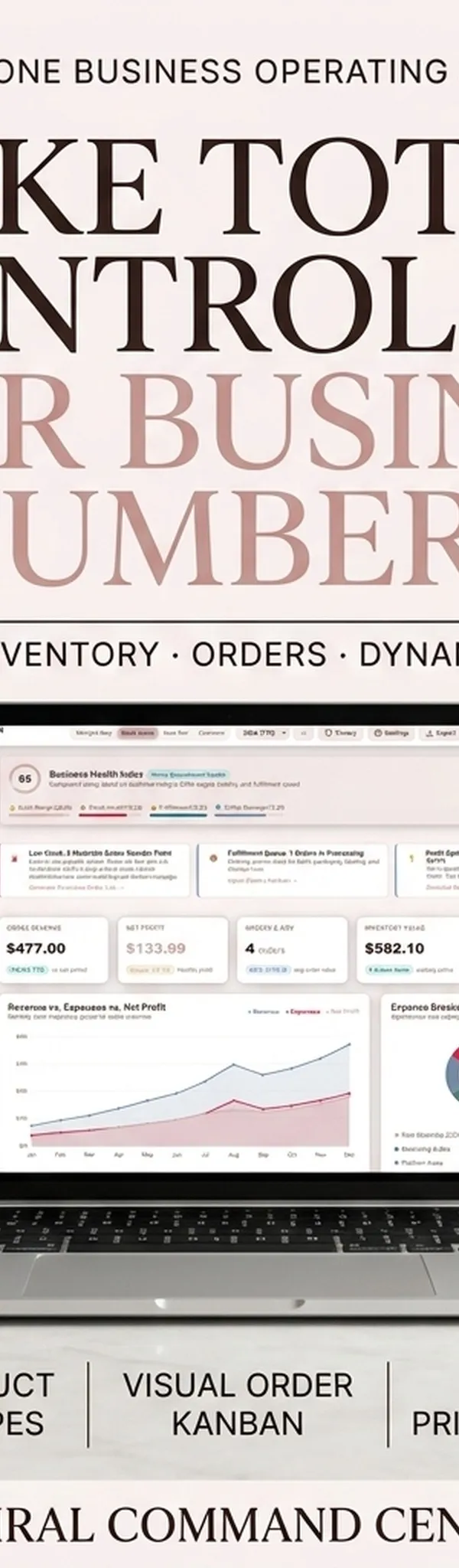
Small Business Command Center & Inventory Bookkeeping
All-in-one operating system for product makers, boutiques, and sellers to manage inventory, BOM costs, orders, and P&L.
$29₫629,000

Andy Grove High Output Management & OKR Quarterly Execution Matrix
$24.99₫549,000
Guides in this Topic
View all (23) →- productivity
Andy Grove High Output Management & OKR Goal Planning Guide
Master Andy Grove's High Output Management principles and OKR goal setting. Learn how the Intel CEO designed high-leverage organizational systems.
Read guide - productivity
The 1-3-5 Rule Daily Task Matrix: Anti-Overwhelm Focus & Productivity Guide
Master the 1-3-5 rule daily productivity system: organize 1 big goal, 3 medium tasks, and 5 quick wins to eliminate burnout and maintain daily focus.
Read guide  Mindset & Productivity Systems
Flowmodoro Technique: Deep Work Flow State Timer, Ratio Rules & Anti-Burnout Guide
Master the Flowmodoro technique to enter unbroken deep work flow states. Learn the stopwatch count-up protocol, 1:5 break ratios, and anti-burnout rules.
Read guide Leadership & Purpose Frameworks
Simon Sinek Start With Why & Golden Circle Purpose Guide
Master Simon Sinek's Start With Why and Golden Circle framework. Discover your core purpose, define guiding principles, and pass the Celery Test.
Read guide Executive Leadership & Effectiveness Architecture
The 7 Habits of Highly Effective People by Stephen Covey: Complete Architecture Guide
Master the 7 Habits of Highly Effective People: Stephen Covey time management matrix, Quadrant 2 focus, private vs public victory, and weekly planning.
Read guide- Executive Productivity & Lifestyle Design Architecture
The 4-Hour Workweek by Tim Ferriss: Productivity Automation & Lifestyle Design Guide
Master The 4-Hour Workweek: DEAL framework, 80/20 Pareto elimination, automation systems, virtual assistants, and escape 9-to-5 corporate slavery.
Read guide
Topic Pillar
Productivity & Deep Work
Time-blocking, personal operating systems, Second Brain architecture, and cognitive optimization.
Ask Yinyang Masters inside your AI assistant
Get the same calculations and guidance right in your chat: add the free Yinyang Masters app, then ask in plain English. No account needed.
Try asking: “Find a Yinyang Masters guide about starting a daily spiritual practice.”